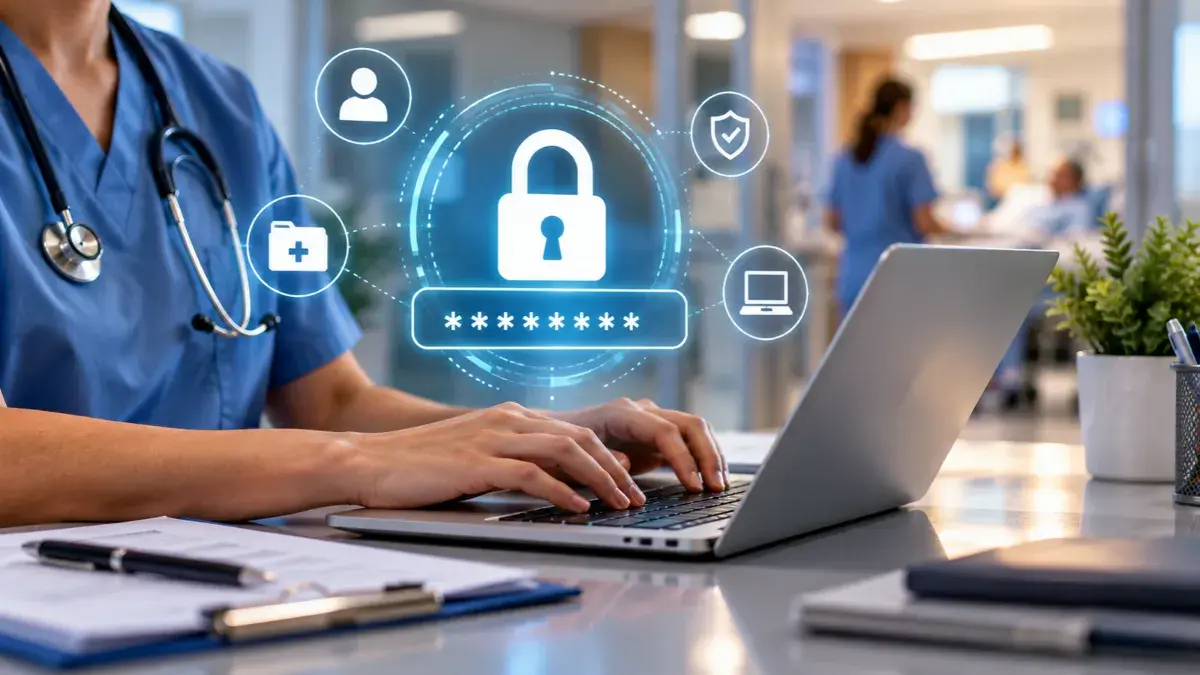
Healthcare employees are being targeted.
Recent reporting from Cybersecurity Dive highlights increased social-engineering activity against healthcare and pharmaceutical organizations. Attackers are using phone calls, phishing sites, and urgent requests to convince employees to reset passwords, change multifactor authentication settings, or give up credentials.
In fact, Health-ISAC reported that more than a dozen member organizations had been hit by social-engineering attacks in just a few months.
Cybersecurity Awareness Month is a good opportunity to reinforce a simple idea: employees don’t have to be cybersecurity experts to make it harder for attackers.
They need to know what to look for, when to slow down, and when to speak up.
To make that easier, here are four messages healthcare organizations can copy, customize, and share with employees throughout October.
Before sending: Add your organization’s IT/security contact or reporting process where indicated.
Message 1: Pause. Verify. Then Act.
Suggested subject: Before you act, take a second look
Cybercriminals are getting better at making their requests look and sound legitimate.
An email may appear to come from a vendor you know. A caller may claim to be from IT. A message may warn you about an urgent problem with your account.
That urgency is a reason to slow down.
If someone unexpectedly asks you to click a link, reset a password, approve a login, provide information, or change a security setting:
- Pause before taking action.
- Verify the request using a contact or process you already trust.
- Don’t use a phone number or link provided in a suspicious message.
- Report anything that doesn’t feel right to your IT/Security or your organization’s preferred reporting method.
You don’t have to determine whether something is a cyberattack.
If something seems unusual, stop and verify.
Message 2: Didn’t Start the Login? Don’t Approve It.
Suggested subject: One easy rule for unexpected login requests
Have you ever received a multifactor authentication (MFA) request when you weren’t trying to log in?
Don’t approve it just to make it go away.
An unexpected login or MFA request can mean someone else is trying to access your account.
If it happens:
- Deny the request.
- Never share authentication codes with someone else.
- Don’t reset your password or MFA settings because an unexpected caller asks you to.
- Report the activity to IT/Security or your organization’s preferred reporting method.
MFA adds an important layer of protection, but it still depends on us paying attention.
If you didn’t start the login, don’t approve it.
Message 3: Keep Patient Information Where It Belongs.
Suggested subject: Before you send it, check where it’s going
Healthcare moves quickly, and sometimes the fastest way to get something done can seem like the easiest option.
When patient information is involved, take an extra moment.
Before you send, upload, text, or share information, ask yourself:
- Am I using a tool approved by our organization?
- Am I sending this to the right person?
- Does this person need this information?
- Do I need to share all of it?
This applies to email, text messages, file-sharing tools, cloud applications, mobile devices, and other technology we use at work.
If you’re not sure whether a tool or method is approved, check with IT/Security Administrator before using it.
A quick check can help keep patient information where it belongs.
Message 4: See Something? Say Something.
Suggested subject: You don’t have to be sure before you report it
Something doesn’t seem right.
Maybe you clicked a link and realized afterward that it looked suspicious. You received an unexpected login notification. Someone called asking you to reset your password. Or a system suddenly isn’t behaving normally.
Please tell us.
You don’t have to investigate it yourself, and you don’t have to be certain it’s a cyberattack before reporting it.
Contact IT/Security Administrator as soon as you notice something unusual.
And if you clicked something you shouldn’t have? Tell us that too.
The sooner we know, the sooner we can investigate and take action if needed.
When in doubt, speak up.
Keep the Conversation Going All Year
Cybersecurity Awareness Month is a great reason to put these conversations front and center. But attackers don’t limit their efforts to October, and cybersecurity training shouldn’t be limited to one annual event.
HIPAA Secure Now helps healthcare organizations keep cybersecurity and HIPAA top of mind throughout the year with ongoing workforce training designed to reinforce important habits before employees need them.
Build a workforce that keeps learning all year.
Learn More About HIPAA Secure Now Training
Next week: We’ll share five-minute cyber huddles healthcare leaders and managers can use to turn these reminders into quick conversations with their teams.

Leave a Reply